
WooCommerce product pages that sell do three jobs the default template only half does. They answer the buyer's last question before it is asked, they load the main image fast, and they give Google clean Product schema. Themes and page builders get most of the attention. Most lost sales come from thin copy, slow images and missing structured data, and you fix those product by product. A new theme will not fix them.
TL;DR:
- Most weak WooCommerce product pages fail on copy, image speed and structured data. Swapping the theme rarely helps.
- Pasted manufacturer descriptions put you in a duplicate pile that Google filters. Rewrite your top sellers first.
- WooCommerce outputs basic Product schema by default, but brand, GTIN, shipping and returns usually need adding.
- Aim for a Largest Contentful Paint of 2.5 seconds or less. On a product page that is almost always the main product image.
- Use variable products only when buyers choose between real options. Otherwise a simple product converts and ranks more cleanly.
Table of Contents
- What Separates WooCommerce Product Pages That Sell From Ones That Just Exist
- Titles, Descriptions and the Manufacturer-Copy Trap
- Product Schema: What WooCommerce Gives You and What It Leaves Out
- Images, Speed and the 2.5-Second Line
- Simple vs Variable Products: Which Type to Pick and Why
- Fixing Product Pages Across Several Stores Without Losing a Weekend
- The Product Page Audit, in the Order That Pays Back
- Get Every Product Page Scored and Fixed From One Chat Window
- Frequently Asked Questions
- Sources
What Separates WooCommerce Product Pages That Sell From Ones That Just Exist
A default WooCommerce product page has the right parts in the right places:
- a title
- a gallery
- a price
- a short description beside the add-to-cart button
- tabs underneath for the full description, additional information and reviews
Nothing is missing from the template. What is usually missing is the content inside it.
Look at a page that converts and one that does not, both on the same theme. The difference is almost never the layout. The good page tells you the dimensions before you go looking for them. It shows the product in use as well as on a white background. It says when the item will arrive and what happens if it doesn't fit. The weak page has a 40-word paste from the supplier's catalogue and three images, one of which is the box.
Baymard Institute's running benchmark puts documented online cart abandonment at around 70%. Much of that happens at checkout. But a buyer who adds to cart while still unsure is a buyer who leaves later. Product pages are where that doubt is either settled or carried forward.
So here is the position this guide takes: fix content, speed and schema before you touch the design. A new theme costs a week and moves little. A rewritten description on your 20 best-selling products costs an afternoon and moves rankings.
Titles, Descriptions and the Manufacturer-Copy Trap

Every reseller of a product gets the same supplier description. If you paste it in unchanged, your page joins dozens of near-identical pages across the web. Google has to pick one to show.
Google Search Central's guidance on duplicate URLs explains that Google groups duplicate content and chooses a canonical version. The other copies are mostly left out of results. Duplicate supplier copy is not a penalty in the punitive sense. It is worse in a way: it makes you invisible without telling you.
What to rewrite, and what to leave alone
- The product title. Lead with what the buyer types: product type, then key attribute, then brand or model. "Merino Wool Running Socks, Cushioned, 3-Pack" beats "AeroStride Pro X3."
- The short description. This sits next to the price, so treat it as the closing argument. Use three to five lines covering who it's for, the one spec that matters most, and the delivery or returns promise.
- The long description. This is where your original writing earns its ranking. Cover the questions your support inbox actually receives: sizing, compatibility, care, what's in the box.
- The "Additional information" tab. WooCommerce fills this from product attributes, so keep the attributes accurate. Don't rewrite them as prose.
You don't need to rewrite a 2,000-product catalogue. Start with the products that already get traffic or sales, because rewriting a page nobody visits changes nothing.
Meta titles and descriptions
Your SEO plugin controls the title tag and meta description, separately from the on-page title. Most stores leave thousands of these on the plugin's default template, which is fine for long-tail products and wasteful for top sellers. If you need to fix these in volume, the methods in bulk editing WordPress meta descriptions apply to products just as they do to posts.
Product Schema: What WooCommerce Gives You and What It Leaves Out
WooCommerce outputs Product structured data as JSON-LD on single product pages out of the box. That data includes:
- name
- description
- image
- SKU
- an offer with price, currency and stock availability
- review and rating data, when reviews exist
That covers the basics. It does not cover everything Google can use.
Google's Product structured data documentation distinguishes two kinds of result:
- Product snippets are the review-style enhancements.
- Merchant listings are the richer shopping-style results for pages where a buyer can purchase directly.
For a product snippet, Google requires a name plus at least one of: a review, an aggregate rating, or offers. Merchant listings ask for more. Brand, global identifiers such as GTIN, shipping details and return policy all appear among the properties Google recommends.
A WooCommerce store with no reviews and no brand or GTIN data is handing Google the legal minimum. It is eligible, technically, and outcompeted, practically.
How to fill the gaps
- Brand. Add it as a product attribute or brand taxonomy, then confirm your SEO plugin maps it into the schema.
- GTIN, UPC or EAN. If your products have barcodes, enter them. Check whether your WooCommerce version has a native field for these before installing an add-on.
- Reviews. You cannot fake these and should not try. A post-purchase review request email does more for your schema than any plugin.
- Validation. Run your top product URLs through Google's Rich Results Test after any theme or plugin change. Two plugins outputting competing Product schema on one page is a more common fault than missing schema.
Images, Speed and the 2.5-Second Line
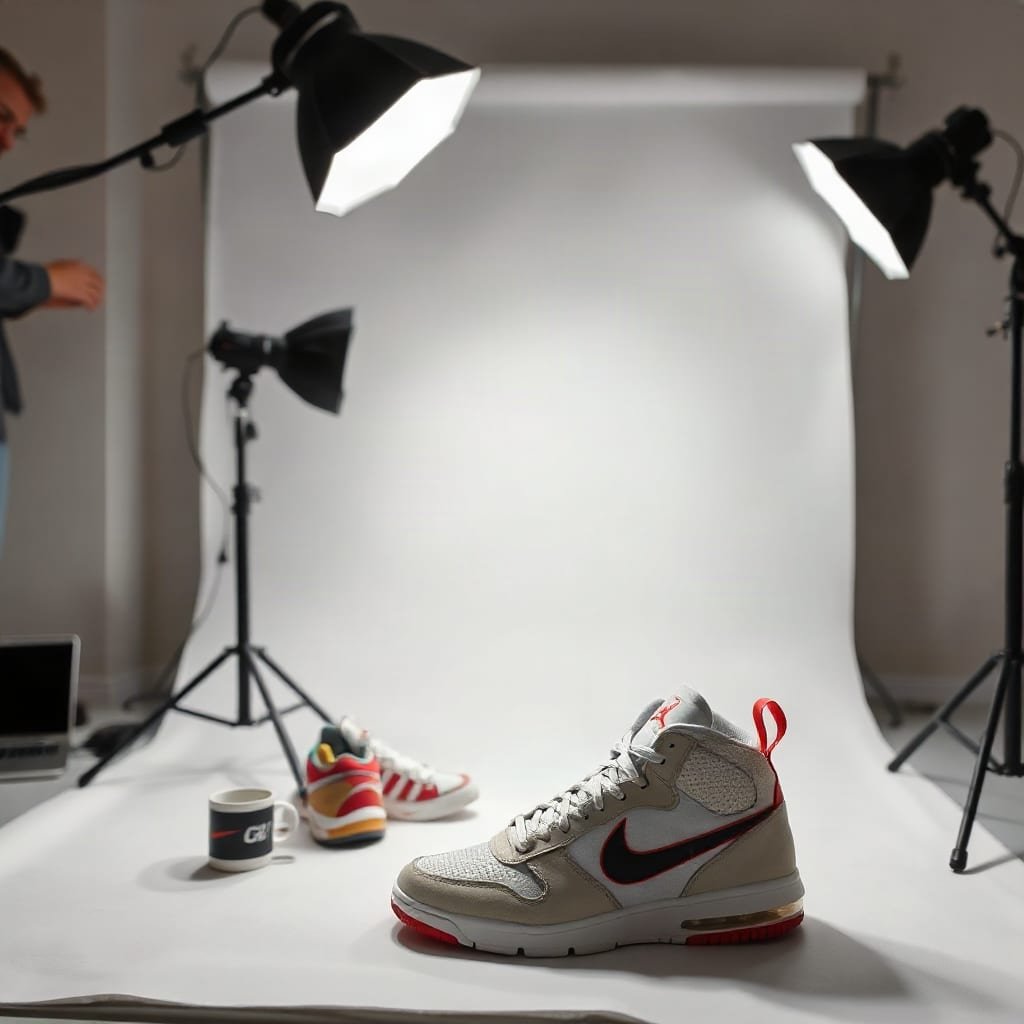
On almost every product page, the largest thing on the screen is the main product image. That makes it the element measured by Largest Contentful Paint (LCP), one of Google's Core Web Vitals.
2.5 seconds. That is the "good" threshold for Largest Contentful Paint set out in Google's Core Web Vitals guidance on web.dev. On a product page, you pass or fail it almost entirely on one image.
Google's web.dev Core Web Vitals guide sets these thresholds for the 75th percentile of page loads:
- LCP at or under 2.5 seconds
- Interaction to Next Paint at or under 200 milliseconds
- Cumulative Layout Shift at or under 0.1
Where product pages lose time
- Oversized uploads. A 4,000-pixel photo straight off a camera, displayed at 600 pixels wide. WordPress generates smaller sizes, but themes don't always request them correctly.
- Lazy-loading the main image. Lazy loading is right for gallery thumbnails and wrong for the hero image. If the main image is lazy-loaded, the browser waits before it even starts fetching.
- Gallery sliders that shift layout. A slider that loads without fixed dimensions pushes the price and button down the page as it renders. That is a Cumulative Layout Shift problem, and it makes buyers click the wrong thing.
- Plugin pile-up. Wishlist, compare, size chart, upsell and live chat plugins can each add scripts to every product page. Audit what loads, not just what's installed.
Pro Tip: Check your LCP on a variable product with a variation selected, not just on the default page load. Many themes swap the main image with JavaScript when a shopper picks a color. That swap can be slow, unoptimized or the wrong size, and no default-page speed test will show it. Your real shoppers trigger it constantly.
Simple vs Variable Products: Which Type to Pick and Why

WooCommerce gives you four core product types. Picking the wrong one causes more page problems than most design decisions.
| Product type | Use it when | Main trade-off | Our pick for |
|---|---|---|---|
| Simple | One item, one price, no options | None worth worrying about | Most single-SKU products |
| Variable | Buyers choose between real options (size, color) with their own stock or price | Variations share one URL, and images and schema depend on the theme handling them well | Apparel, sized or colored goods |
| Grouped | Several related simple products shown together | Each child still needs its own decent page | Sets where items also sell alone |
| External/Affiliate | The sale happens on another site | You can't capture the buyer or the order data | Only genuine affiliate listings |
The position here is blunt: don't use variable products for options that don't change what the buyer receives. A gift-wrap choice is better handled as an add-on than as a variation. Every unnecessary variation adds stock to manage, image swaps to test and edge cases in your schema.
Go the other way where it matters. If a "large" and a "small" have genuinely different search demand, consider separate simple products, each with its own URL and description. That way each can rank for its own query instead of sharing one page.
Fixing Product Pages Across Several Stores Without Losing a Weekend
Everything above is manageable on one store with 50 products. It gets painful when you run three client stores, or when a catalogue runs into the hundreds. The work isn't hard. It is repetitive, and repetitive work is where things get skipped.
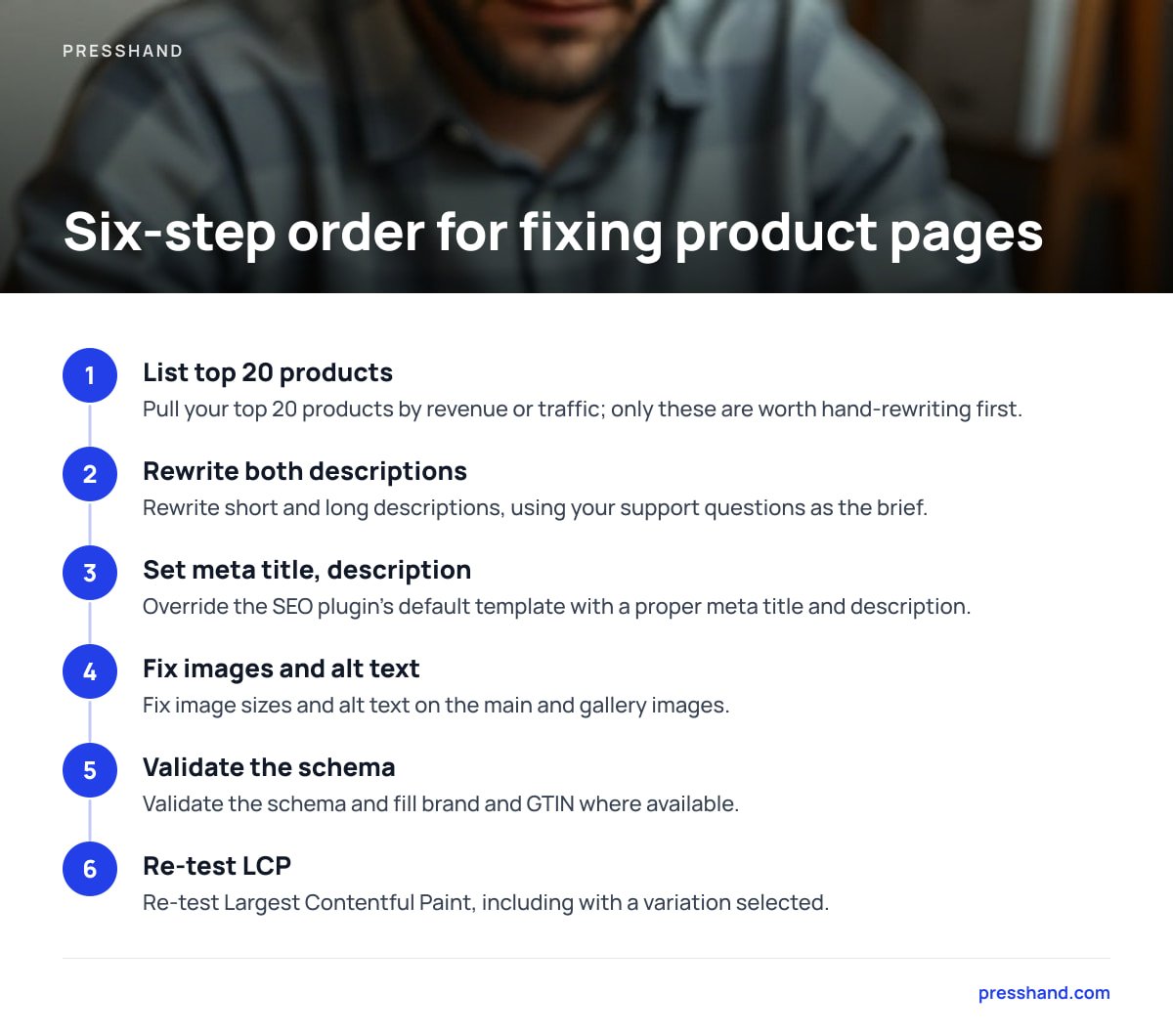
A sensible order for each store:
- Pull a list of your top 20 products by revenue or traffic. These are the only pages worth hand-rewriting at first.
- Rewrite the short description and long description on each, using your support questions as the brief.
- Set a proper meta title and description in your SEO plugin, overriding the default template.
- Fix image sizes and alt text on the main and gallery images.
- Validate the schema and fill brand and GTIN where available.
- Re-test LCP, including with a variation selected.
This is also where AI assistants have become useful for store admin, provided they can reach the site. Connecting Claude or ChatGPT to WordPress usually runs through the REST API, authenticated with an application password. If that is unfamiliar, start with how APIs work, using your WordPress site as the example, then set up WordPress application passwords properly. Which assistant to use is a separate question. The trade-offs are covered in ChatGPT vs Claude for running a WordPress site.
One honest warning: AI-written product copy has the same duplication problem as supplier copy if you feed it nothing but the supplier copy. Give it your returns policy, your support FAQs and your own notes on the product. Without that, it will produce a fluent rewrite of something 40 other stores already have.
The Product Page Audit, in the Order That Pays Back
If you only have an hour per store, spend it in this order. It is ranked by how often the fix changes sales or rankings, not by how interesting it is:
- Duplicate supplier descriptions on top sellers. Highest impact, lowest cost.
- Missing or default meta titles on top sellers. Quick to fix, directly affects clicks.
- An unoptimized or lazy-loaded main image. Usually the single biggest LCP fix.
- Missing shipping and returns information near the button. Answers the question that stalls buyers.
- Schema gaps: brand, GTIN, duplicate schema output. Matters most in competitive categories.
- Unnecessary variations. Fix during the next catalogue update, not today.
Design changes such as tab order, sticky add-to-cart bars and trust badges come after all of these. Some of them help. None of them rescue a page with thin copy and a four-second hero image.
Get Every Product Page Scored and Fixed From One Chat Window
Fixing product pages across several stores is mostly the same small jobs repeated. You rewrite descriptions, set meta titles, add alt text and tweak CSS when the gallery jumps. PressHand connects Claude or ChatGPT to every WordPress site you run, so you can ask for those jobs in plain English instead of clicking through each dashboard. It handles 83 WordPress jobs, scores live pages for SEO out of 100, and works with Yoast, Rank Math, All in One SEO and SEOPress. That means your meta titles land in the plugin you already use.
It costs $97 once for every site you own, or $197 for the Agency license with rebrand and resell rights. Optional updates run $49 a year after the first 12 months. The caveat: it is a WordPress tool, not a WooCommerce-specific one. Check the published job list for which product fields it reaches before assuming it will edit prices, stock or variations. It isn't built for that.
Frequently Asked Questions
Does WooCommerce add product schema automatically?
Yes. WooCommerce outputs Product structured data as JSON-LD on single product pages, including name, price, availability and review data when reviews exist. It usually leaves out brand and global identifiers such as GTIN, which Google recommends for merchant listings. Many SEO plugins extend or replace this output, so validate your pages to make sure only one set of Product schema appears.
Should I rewrite manufacturer descriptions on every WooCommerce product?
No, start with your top sellers and the products that already get search traffic. Google groups duplicate content and shows one version, so identical supplier copy rarely ranks. Rewriting low-traffic products can wait until the pages that earn money are done.
What is a good page speed target for a WooCommerce product page?
Google's Core Web Vitals treat a Largest Contentful Paint of 2.5 seconds or less as good, measured at the 75th percentile of page loads. On product pages the LCP element is almost always the main product image. Serving it at the right size and not lazy-loading it are the two biggest fixes.
When should I use a variable product instead of separate simple products?
Use a variable product when buyers choose between real options, such as size or color, that have their own stock or price. If two options have distinct search demand, separate simple products give each its own URL and description to rank with. Avoid variations for options that don't change what the buyer receives.
Can AI tools edit WooCommerce product pages?
AI assistants can work on WordPress sites when connected through the REST API, usually authenticated with an application password. What they can change depends on the tool and on which product fields the connection exposes. Check the specific tool's documentation before relying on it for prices, stock or variations.
Sources
- Cart Abandonment Rate Statistics | Baymard Institute
- Consolidate duplicate URLs | Google Search Central
- Introduction to Product structured data | Google Search Central
- Web Vitals | web.dev (Google)